
Customers often form opinions about a business within moments of interacting with its digital presence. Website structure, colors, typography, images, navigation, and overall usability can influence whether visitors continue exploring or leave.
Web and digital design brings these elements together to create meaningful online experiences. Good design is not simply about making a website attractive; it is about making information easier to understand and interactions easier to complete.
When design is centered around customer needs, businesses can create digital experiences that build trust, reduce frustration, and encourage engagement.
What Is Web and Digital Design?
Web and digital design refers to the process of creating visual and interactive experiences for websites, applications, digital platforms, and other online environments. It combines graphic design, user interface design, user experience principles, branding, typography, imagery, layouts, and interactive elements.
The goal is to create digital experiences that communicate information effectively while helping users accomplish their objectives. A successful design should balance visual appeal with functionality, accessibility, responsiveness, and performance.
Why Web and Digital Design Matters for Customer Experience
Creates Strong First Impressions
A website is often one of the first places customers interact with a business. A clean, professional, and well-organized interface can create a positive first impression. On the other hand, confusing layouts, outdated visuals, or inconsistent branding may reduce confidence. Design therefore contributes to how customers perceive the professionalism and credibility of a company.
Makes Information Easier to Understand
Customers visit websites because they want information or want to complete a specific action. Effective design organizes content using headings, spacing, typography, images, and visual hierarchy. When information is easy to scan and understand, users can find what they need without unnecessary effort.
The Role of Digital Media Design
Improve Visual Communication
Digital Media Design involves creating visual content for digital channels such as websites, social media, applications, advertisements, presentations, and online campaigns. Visual elements can communicate ideas quickly and support written information. For example, an infographic may explain complex data more effectively than several paragraphs of text.
Strengthen Brand Consistency
Customers may interact with a brand through its website, social media accounts, emails, advertisements, and mobile applications. Consistent visual design helps create a recognizable identity across these channels. Using consistent colors, typography, imagery, and visual styles can make different digital touchpoints feel connected.
Increase Engagement
Interesting and relevant visual content can encourage customers to spend more time interacting with digital platforms. However, visual elements should support the purpose of the page rather than simply add decoration. A balanced design uses visuals strategically to guide attention and communicate important information.
How Photoshop Digital Design Supports Customer Experience
Create High-Quality Visual Assets
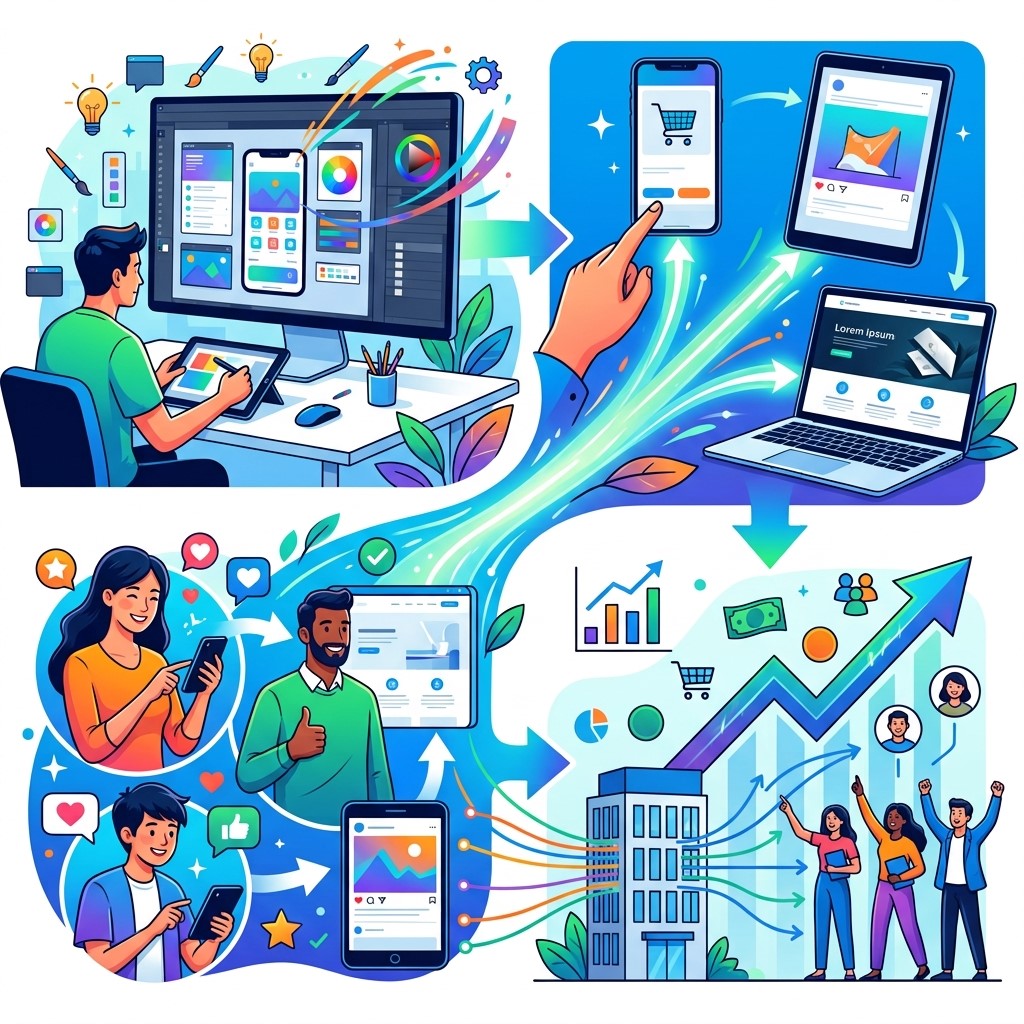
Photoshop Digital Design can be used to create and edit images for websites, advertisements, product pages, social media, and other digital platforms. Professional image editing can help businesses present products and services more effectively. High-quality visuals can make a digital platform appear more polished and trustworthy.
Develop Branded Graphics
Businesses can use Photoshop to create banners, promotional graphics, product imagery, campaign visuals, and other branded materials. When these assets follow consistent brand guidelines, customers receive a more unified experience. Consistency can help customers recognize a business across different digital channels.
Optimize Images for Digital Platforms
Images should not only look good; they should also be suitable for digital environments. Large image files can affect page performance and increase loading times. Designers can optimize images by selecting appropriate dimensions and file formats while maintaining acceptable visual quality.
The Importance of Figma UI Design
Design User Interfaces
Figma UI Design is widely used for creating website and application interfaces before development. Designers can create layouts, buttons, navigation systems, forms, cards, and other interface elements in a collaborative design environment. This allows teams to evaluate the experience before writing production code.
Create Interactive Prototypes
Prototypes can demonstrate how users will move through a website or application. Design teams can test navigation, interactions, and user flows before development begins. Finding usability problems at the design stage can reduce the cost and effort required to fix them later.
Improve Team Collaboration
Design projects often involve designers, developers, marketers, product managers, and business stakeholders. Collaborative design tools allow multiple team members to review and discuss design decisions. Better collaboration can reduce misunderstandings and improve consistency between design and development.
User-Friendly Navigation
Make Navigation Predictable
Customers should be able to understand how a website is organized. Navigation menus, buttons, links, and page structures should follow familiar patterns whenever possible. Predictable navigation reduces the mental effort required to find information.
Reduce Unnecessary Steps
Customers do not want to complete more steps than necessary. For example, an ecommerce checkout should avoid unnecessary fields or confusing navigation. Simplifying user journeys can reduce frustration and create a smoother customer experience.
Responsive Web Design
Support Different Devices
Customers access websites through desktops, laptops, tablets, and smartphones. Responsive design allows layouts to adapt to different screen sizes. A website that works well on multiple devices can provide a more consistent experience regardless of how customers access it.
Improve Mobile Usability
Mobile users often interact with websites using touch screens and smaller displays. Buttons should be easy to tap, text should remain readable, and important content should not require excessive scrolling or zooming. Mobile-focused design can improve usability for a large portion of modern website visitors.
Visual Hierarchy and Customer Behavior
Guide Attention
Visual hierarchy helps customers understand what information is most important. Designers can use size, spacing, contrast, position, and typography to guide attention toward headlines, important information, and calls to action. A clear hierarchy makes pages easier to scan.
Improve Calls to Action
Calls to action tell customers what to do next. Examples include buttons such as purchasing a product, requesting information, signing up, booking a service, or downloading a resource. Good design makes these actions visible without making the interface feel overwhelming.
Accessibility in Web and Digital Design
Design for Different Users
Digital experiences should be usable by people with different abilities and needs. Accessibility can involve readable typography, sufficient contrast, keyboard navigation, descriptive labels, meaningful structure, and alternative text for appropriate images. Accessible design can improve usability for everyone, not only users with disabilities.
Improve Content Clarity
Simple language, clear headings, appropriate spacing, and logical layouts make digital content easier to understand. These principles can benefit customers using different devices and browsing under different conditions. Accessibility should be considered from the beginning of the design process rather than treated as a final adjustment.
Website Performance and Design

Optimize Visual Elements
Design choices can influence website performance. Large images, unnecessary animations, complex effects, and excessive third-party resources can increase page loading times. Designers and developers should work together to balance visual quality with performance.
Create Faster Experiences
Customers are less likely to enjoy an experience that feels slow or unresponsive. Fast-loading pages allow users to access information more quickly and continue through important journeys. Performance should therefore be considered part of the overall customer experience.
Building Trust Through Design
Use Professional Visuals
Professional design can make a business appear more credible. Consistent branding, high-quality images, clear content, and organized layouts can help customers feel more confident when evaluating a company. This is particularly important for businesses that depend on online purchases, inquiries, or bookings.
Provide Clear Information
Trust can decrease when customers cannot find important information. Businesses should make pricing, product details, contact information, policies, and other relevant information easy to locate. Clear communication helps customers make informed decisions.
Personalization and Digital Experiences
Adapt Experiences to Customer Needs
Personalization can make digital experiences more relevant. Businesses can use appropriate customer information to display relevant content, recommendations, offers, or communication. Personalization should always respect privacy and provide genuine value.
Use Customer Data Responsibly
Design decisions can be informed by analytics and customer behavior. Businesses can identify popular pages, common navigation paths, and areas where customers frequently leave. This information can help designers improve digital experiences without relying solely on assumptions.
Design and Conversion Optimization
Reduce Friction
A customer may want to purchase a product or contact a business but become frustrated by a confusing interface. Design can reduce friction by simplifying forms, improving navigation, clarifying instructions, and making important actions easy to find. Small improvements can have a meaningful impact on digital performance.
Test Design Changes
Businesses should not assume that a design change will automatically improve results. A/B testing and usability testing can help organizations compare different layouts, messages, or interface elements. Data can then support decisions about which design approach works better.
Common Web and Digital Design Mistakes
Overloading Pages With Visual Elements
Too many colors, images, animations, or interface components can make a website difficult to understand. Effective design requires balance. Every visual element should have a clear purpose and support the user’s journey.
Ignoring Mobile Users
A design that works perfectly on desktop may not work well on smartphones. Businesses should test layouts across different screen sizes and consider touch interaction from the beginning.
Inconsistent Branding
Different colors, fonts, images, and design styles across pages can make a business appear unprofessional. A consistent design system can help maintain visual identity across digital channels.
Complicated User Journeys
Customers should not have to navigate through unnecessary pages or confusing steps to complete simple tasks. Businesses should regularly review important user journeys and remove unnecessary friction.
Best Practices for Customer-Centered Design
Understand the Target Audience
Design decisions should reflect the needs and expectations of the intended audience. Research, customer feedback, analytics, and usability testing can help businesses understand how users interact with digital experiences.
Create a Consistent Design System
A design system can define colors, typography, buttons, spacing, icons, and other interface components. Consistency improves usability and makes it easier for teams to maintain digital products.
Test Before Launch
Design testing can reveal problems that designers and developers may not notice themselves. Usability testing with real or representative users can provide valuable feedback before a website or application is released.
Improve Continuously
Customer expectations change over time. Businesses should monitor analytics, collect feedback, and review performance regularly. Digital design should be treated as an ongoing process rather than a one-time project.
Future of Web and Digital Design
The future of web and digital design will continue to evolve as artificial intelligence, immersive technologies, advanced personalization, responsive interfaces, and new interaction models become more common.
Designers will increasingly combine creativity with data, user research, and technology. Tools such as Figma and image-editing platforms will continue supporting collaborative and sophisticated design workflows.
At the same time, customer expectations for speed, accessibility, personalization, and usability will continue to increase. Businesses that focus on user needs and continuously improve their digital experiences will be better positioned to build stronger customer relationships.
Conclusion
Web and digital design has a direct influence on how customers experience a brand online. From the first visual impression to navigation, content, interaction, and checkout, every design decision can affect customer satisfaction.
Digital Media Design helps businesses communicate visually across digital channels, while Photoshop Digital Design supports the creation of professional visual assets. Figma UI Design helps teams build and test interfaces before development.
Frequently Asked Questions
1. What is web and digital design?
Web and digital design is the process of creating visual and interactive experiences for websites, applications, and digital platforms. It combines layout, typography, imagery, branding, user interface design, and usability principles.
2. Why is web and digital design important for customer experience?
It helps customers navigate websites, understand information, interact with interfaces, and complete desired actions more easily. Good design can also improve trust, engagement, satisfaction, and overall brand perception.
3. What is Digital Media Design?
Digital Media Design involves creating visual content for digital platforms such as websites, social media, applications, advertisements, and online campaigns. It combines creative design principles with digital communication requirements.
4. What is Photoshop Digital Design used for?
Photoshop Digital Design can be used to create and edit images, banners, product visuals, promotional graphics, social media content, and other digital assets while maintaining professional visual quality.
5. What is Figma UI Design?
Figma UI Design involves creating website and application interfaces using Figma. Designers can build layouts, components, prototypes, and design systems while collaborating with other team members.
6. How does responsive design improve customer experience?
Responsive design allows websites to adapt to different screen sizes and devices. This makes content easier to read and interact with across desktops, tablets, and smartphones.
7. How can design improve website conversions?
Design can improve conversions by simplifying navigation, reducing friction, making calls to action clear, improving page readability, and creating trustworthy user experiences. Testing can help identify which design changes produce better results.
8. Why is accessibility important in digital design?
Accessibility helps people with different abilities use digital products more effectively. Features such as readable text, sufficient contrast, keyboard navigation, and descriptive labels can make websites more inclusive and usable.
9. How does website performance affect design?
Heavy images, unnecessary animations, and complex design elements can slow down websites. Good digital design balances visual quality with performance to create faster and more responsive experiences.
10. How can businesses improve their web and digital design?
Businesses can improve design by understanding their audience, simplifying navigation, using consistent branding, optimizing for mobile devices, improving accessibility, testing user experiences, monitoring analytics, and continuously updating digital interfaces based on customer feedback.


