
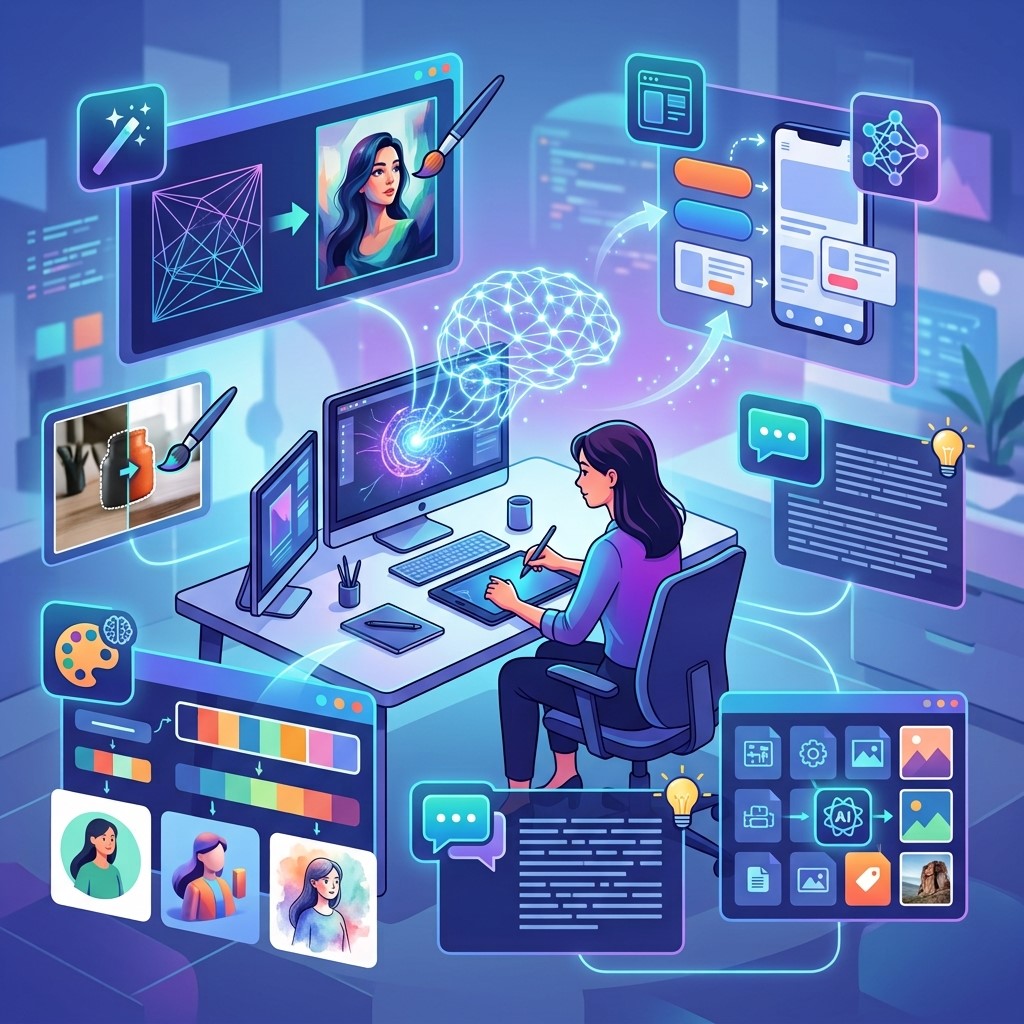
Digital design requires creativity, technical knowledge, attention to detail, and the ability to manage tight deadlines. As design projects become more complex, many professionals are turning to AI tools for digital designers to simplify repetitive tasks and accelerate creative workflows.
AI-powered tools can assist with brainstorming, image generation, editing, layout creation, background removal, typography, and other design activities. These capabilities allow designers to spend more time developing creative concepts and less time handling repetitive production tasks.
The goal of using AI is not to replace professional designers. Instead, AI can act as a creative assistant that helps designers explore ideas, complete routine tasks faster, and experiment with different visual directions.
When used correctly, AI can support everything from digital media design and social graphics to digital branding design and complex digital visual design projects.
What Are AI Tools for Digital Designers?
AI tools for digital designers are software applications that use artificial intelligence to assist with creative and design-related tasks. They can analyze images, generate visual content, suggest layouts, enhance graphics, and automate repetitive production work.
Some tools focus on generating images from text prompts, while others help designers edit existing visuals, remove backgrounds, improve image quality, or create design variations. AI can also help with ideation by producing multiple creative directions quickly. Designers can review these concepts, select useful elements, and develop them into polished final designs.
Why Designers Are Using AI
Traditional design workflows can involve many repetitive steps, including resizing images, creating variations, removing backgrounds, organizing assets, and preparing content for different platforms.
AI can automate or accelerate many of these tasks, helping designers work more efficiently. This is particularly useful when a project requires multiple versions of similar creative assets. AI also makes experimentation easier. Designers can generate several ideas quickly before deciding which concept deserves further development.
Benefits of AI Tools for Digital Designers
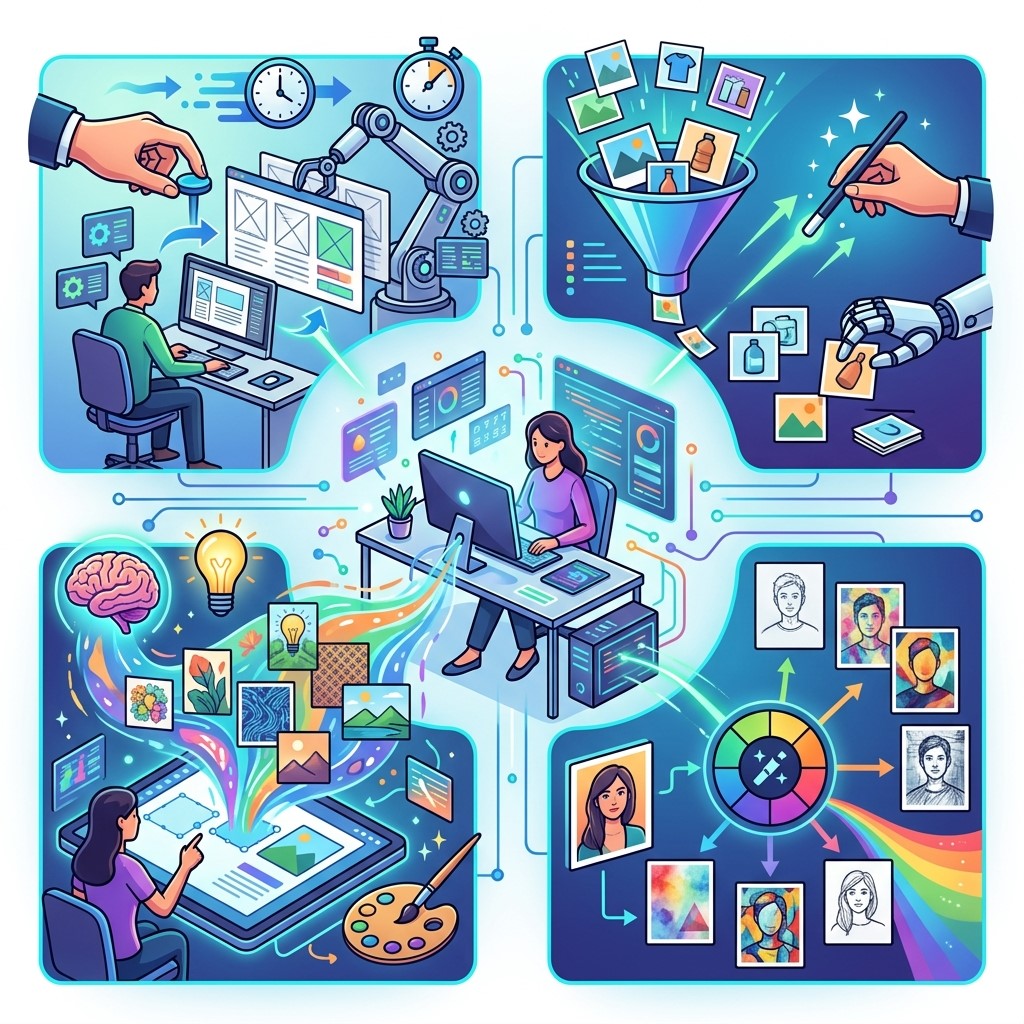 The popularity of AI in design is largely driven by its ability to improve productivity without removing the creative role of designers. The technology can support both beginners and experienced professionals in different stages of a project.
AI can help reduce production time, encourage experimentation, improve consistency, and simplify technical tasks. However, designers still need to evaluate the quality and relevance of AI-generated results.
Faster Creative Workflows
One of the biggest advantages of AI is speed. Designers can use AI to generate initial concepts, modify images, create variations, and perform routine editing tasks more quickly.
This allows professionals to move through early design stages faster and dedicate more time to refining the final concept. Faster workflows can also help agencies and freelance designers manage more projects without sacrificing attention to important creative decisions.
More Creative Exploration
Designers often need to explore multiple ideas before selecting a final direction. AI can generate different concepts based on descriptions, references, or creative requirements.
These outputs can act as starting points for brainstorming rather than finished designs. Designers can combine useful ideas with their own expertise to develop unique visual solutions.
Reduced Repetitive Tasks
Removing backgrounds, resizing graphics, generating variations, and organizing visual assets can consume significant amounts of time. AI can automate many of these routine activities. Reducing repetitive work allows designers to focus on creative strategy, visual storytelling, composition, and brand development.
AI Tools for Digital Media Design
 Digital media design covers a broad range of creative work, including social media graphics, digital advertisements, website visuals, presentations, videos, and other online content.
AI can support digital media designers by helping them create concepts, adapt graphics for different platforms, and generate multiple versions of visual content.
Social Media Content Creation
Social media requires businesses to publish visually engaging content regularly. AI tools can help designers create concepts, layouts, image variations, and platform-specific graphics. Designers can use AI-generated ideas as a foundation and then refine them according to brand guidelines and audience expectations.
Digital Advertising
Digital advertisements often require multiple creative variations for testing different messages and audiences. AI can help designers explore different layouts, images, and visual concepts. This makes it easier to create variations while maintaining consistent branding across campaigns.
AI Tools for Digital Branding Design
Digital branding design focuses on creating a consistent visual identity across digital platforms. It can include logos, typography, color systems, social graphics, website visuals, and other brand assets.
AI can help designers explore branding concepts and generate visual directions, but human judgment remains essential for creating a distinctive and consistent identity.
Brand Concept Development
During the early stages of branding, designers may need to explore numerous visual directions. AI can help generate mood boards, visual references, color ideas, and concept variations.
These outputs can help designers communicate ideas with clients and identify promising creative directions before developing polished assets.
Maintaining Brand Consistency
Once a brand identity has been established, AI can assist with creating variations while following established visual guidelines. Designers can use templates and intelligent editing features to produce consistent assets. Human oversight remains important because automated tools may sometimes introduce elements that do not match the brand’s visual identity.
AI Tools for Digital Visual Design
 Digital visual design involves using imagery, typography, composition, color, and other visual elements to communicate ideas effectively. AI can assist designers throughout several stages of this process.
AI-powered tools can generate concepts, enhance images, suggest visual treatments, and create variations. These capabilities can make experimentation more accessible and efficient.
Image Generation
AI image generation allows designers to create visual concepts from written descriptions. This can be useful for brainstorming, mood boards, conceptual artwork, and early-stage creative exploration.
Generated images should be carefully reviewed and refined before being used in professional projects. Designers need to consider quality, consistency, originality, and appropriate usage rights.
Image Enhancement
AI can improve image quality by increasing resolution, sharpening details, reducing noise, and enhancing certain visual elements. These capabilities can be useful when working with low-quality source images.
Instead of recreating an asset from scratch, designers may be able to use AI enhancement tools to improve an existing image and make it more suitable for professional use.
How AI Improves the Design Workflow
AI can support different stages of the design process, from initial brainstorming to final production. The most effective workflows combine AI assistance with human creativity and professional design knowledge. Designers should identify tasks where AI provides meaningful value rather than using AI simply because it is available.
Research and Inspiration
AI can help designers explore creative directions and generate initial concepts based on project requirements. This can make the research and brainstorming process faster.
However, designers should still conduct independent research and understand the audience, industry, brand, and project objectives before making creative decisions.
Concept Development
Once a direction is selected, AI can help create visual variations and alternative compositions. Designers can compare these options and select elements that support the project’s goals. This process can encourage experimentation while reducing the time required to produce multiple early concepts.
Production and Editing
AI can assist with repetitive production tasks such as resizing, background removal, image enhancement, object editing, and content variations. Automating these tasks can improve workflow efficiency and allow designers to spend more time on composition, storytelling, and visual refinement.
Final Review
AI-generated designs still require human evaluation before publication. Designers should review composition, typography, alignment, visual hierarchy, branding, accuracy, and overall quality. Human review ensures that the final design supports the intended message and meets professional standards.
Choosing the Right AI Design Tool
Not every AI tool is suitable for every project. Designers should evaluate tools based on their specific requirements, existing workflow, budget, skill level, and desired output. A tool that works well for image generation may not be the best option for layout design or brand management.
Consider Your Design Needs
Start by identifying the specific problem you want the tool to solve. You may need assistance with image creation, editing, typography, layouts, brainstorming, or repetitive production. A clear objective makes it easier to select a tool that provides practical value rather than adding unnecessary complexity to the workflow.
Evaluate Quality and Control
AI-generated results can vary significantly in quality. Designers should evaluate how much control a tool provides over composition, style, editing, customization, and final output. Tools that provide greater control may be more useful for professional projects where consistency and precision are important.
Check Integration
AI tools should ideally fit into an existing design workflow. Designers should consider whether a tool supports commonly used file formats and integrates with other software. Smooth integration can reduce unnecessary exporting, importing, and manual adjustments.
Best Practices for Using AI in Design
AI can be powerful, but designers should use it thoughtfully. The best results usually come from combining AI assistance with human creativity, design knowledge, and careful quality control.
Use AI as a Creative Assistant
AI should support the designer’s creative process rather than completely determine the final result. Designers can use AI for brainstorming, experimentation, and repetitive tasks.
Human professionals should remain responsible for creative direction, visual decisions, brand consistency, and final approval.
Maintain Originality
Designers should avoid relying on generic AI outputs without meaningful customization. Adding original concepts, creative decisions, brand elements, and human refinement can make the final work more distinctive.
Originality is particularly important for branding projects where businesses need a unique visual identity.
Review AI-Generated Content
AI-generated visuals may contain unwanted details, inaccurate elements, inconsistent typography, or other problems. Designers should carefully inspect every output before using it.
Professional review is especially important when visuals represent products, people, technical information, or brand assets.
Challenges of AI Tools for Digital Designers
Although AI provides many benefits, it also introduces challenges. Designers need to understand these limitations before integrating AI into professional workflows.
Quality and Consistency
AI-generated content may not always meet professional quality standards. Outputs can vary between generations, making consistency difficult for some projects. Designers may need to make significant adjustments before an AI-generated asset is ready for publication.
Creative Dependence
Overusing AI can reduce opportunities for designers to develop their own creative ideas. Designers should continue strengthening fundamental skills such as typography, composition, color theory, layout, and visual communication.
AI should expand creative possibilities rather than replace design expertise.
Copyright and Usage Considerations
Designers should understand the terms and usage conditions associated with AI tools and generated assets. Not every output should automatically be assumed to be suitable for commercial use.
Businesses and designers should review relevant licensing terms and maintain appropriate documentation when using AI-generated materials in professional projects.
Future of AI Tools for Digital Designers
AI is likely to become increasingly integrated into professional design workflows. Future tools may provide more precise editing, better customization, improved collaboration, and stronger integration with existing creative software.
Designers may be able to automate more production tasks while maintaining greater control over creative direction. This could make complex workflows faster without eliminating the need for professional expertise. The designers who benefit most from AI will likely be those who learn how to combine technology with strong design fundamentals. Understanding how to direct, evaluate, and refine AI output will become an increasingly valuable creative skill.
Frequently Asked Questions
1. What are AI tools for digital designers?
AI tools for digital designers are software applications that use artificial intelligence to support tasks such as image generation, editing, layout creation, brainstorming, background removal, and design variations.
2. How can AI improve a designer’s workflow?
AI can reduce repetitive work, generate creative concepts, automate image editing, create design variations, and speed up production. This allows designers to spend more time on creative strategy and visual refinement.
3. Can AI replace digital designers?
AI is unlikely to completely replace professional designers because successful design requires creativity, strategic thinking, communication, and human judgment. AI is more useful as an assistant that supports designers throughout the creative process.
4. How is AI used in digital media design?
AI can help create social media graphics, digital advertisements, website visuals, presentation graphics, image variations, and other digital media assets. Designers can refine these outputs to match project requirements.
5. How can AI support digital branding design?
AI can help designers explore brand concepts, mood boards, color ideas, visual directions, and branded content variations. Human designers are still needed to establish a distinctive and consistent brand identity.
6. What is digital visual design?
Digital visual design uses elements such as typography, imagery, color, composition, and layout to communicate information or ideas through digital platforms. AI can support several stages of this creative process.
7. Are AI-generated designs suitable for professional use?
AI-generated designs can be useful for professional projects, but they should be reviewed and refined by experienced designers. Quality, originality, brand consistency, and applicable usage or licensing terms should always be considered.
8. What should designers consider when choosing an AI tool?
Designers should consider the tool’s features, output quality, customization options, integration capabilities, pricing, workflow compatibility, and specific design requirements before choosing an AI solution.
9. Can AI help beginner digital designers?
Yes, AI can help beginners explore ideas, experiment with visual styles, understand design possibilities, and complete certain technical tasks. However, beginners should continue learning fundamental design principles instead of relying entirely on automated tools.
10. What is the future of AI in digital design?
The future of AI in digital design will likely include more advanced automation, precise editing, personalized workflows, and stronger integration with creative software. Human creativity and design expertise will remain important for strategic and creative decisions.
Conclusion
AI tools for digital designers can improve productivity, accelerate creative exploration, reduce repetitive work, and support better design workflows. From image generation and editing to digital media design and branding, AI offers useful capabilities across many areas of professional design.
The technology is most effective when used as a creative assistant rather than a replacement for human expertise. Designers should combine AI-generated ideas with their own creativity, design principles, brand knowledge, and careful quality control. As AI continues to evolve, digital designers can benefit by learning how to integrate these tools strategically. The right combination of AI technology and human creativity can create faster, more flexible, and more effective design workflows.


